EN
EN  es
es  ru
ru 
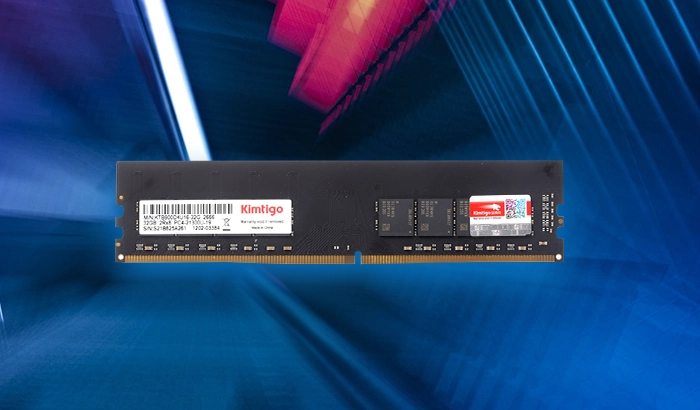
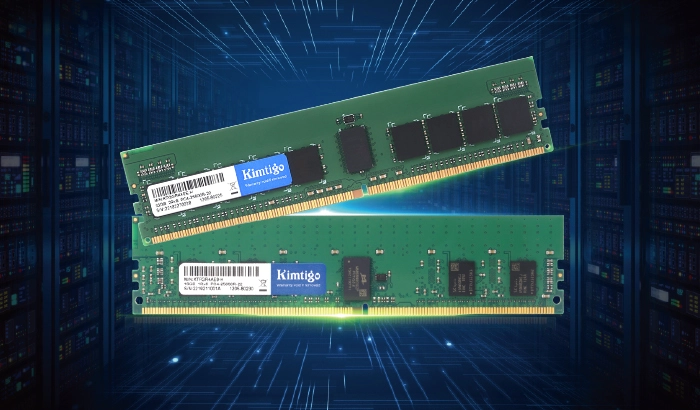
If you're trying to keep your ruggedized industrial laptop alive in 2025, you're not alone. Many industries, from manufacturing to field operations, still rely on legacy systems like Panasonic Toughbooks, Getac laptops, or Dell Latitude Rugged models. While replacing outdated systems can cost thousands of dollars, upgrading to industrial DDR3 memory offers a cost-effective way to extend the life and reliability of your hardware. Let's explore why Kimtigo Industrial DDR3 could be the perfect solution for maintaining your mission-critical equipment.
Industrial environments are no place for consumer-grade components. From extreme heat to constant vibration, standard RAM often fails under harsh conditions. Here's where industrial-grade memory, like Kimtigo DDR3 SODIMM for rugged laptops, shines.
Wide Temperature RAM: Supports operating temperatures from -40°C to 85°C, ensuring consistent performance in extreme climates.
Anti-Sulfuration Protection: Prevents corrosion in high-sulfur industrial environments, extending the lifespan of your memory.
When your laptop is exposed to unpredictable field conditions, upgrading to industrial laptop RAM ensures consistent performance and reliability.
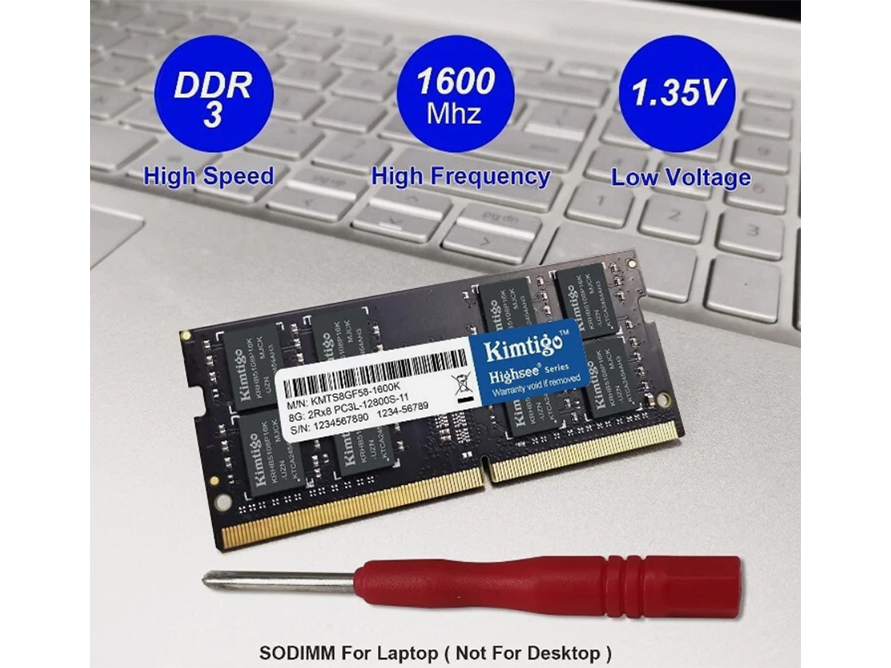
Choosing the right memory upgrade starts with compatibility. Kimtigo Industrial DDR3 modules are designed to integrate seamlessly with ruggedized laptops, but here's what to confirm before purchasing:
Kimtigo's industrial modules adhere to the 204-pin DDR3 SODIMM standard, making them ideal for compact systems like laptops.
Understand whether your system needs DDR3 (1.5V) or the lower-power DDR3L (1.35V). Many Kimtigo modules are dual-voltage compatible, ensuring broad support for legacy hardware.
Older processors, such as Intel Ivy Bridge or Haswell, typically max out at 8GB or 16GB. Check your laptop’s manual or run a tool like CPU-Z to confirm the maximum supported capacity.
An upgrade isn't just about longevity—it's also about performance and reliability. With Kimtigo Industrial DDR3 modules, you get the following advantages:
Enhanced Reliability with Fixed Bill of Materials (BOM): Industrial memory modules maintain the same components throughout production, ensuring consistent long-term performance.
Performance Stability: Optimized low-latency DDR3 ensures smoother operation of HMI systems and data logging software often used in industrial applications.
Error Correction Code (ECC): Available in certain configurations to catch and fix memory errors, preventing potentially costly downtime.
Upgrading your ruggedized laptop's RAM is easier than you might think. Here's how to do it:
Identify Your Model: Check your laptop model, whether it's a Panasonic Toughbook, Dell Latitude Rugged, or another brand.
Verify Existing RAM: Use diagnostic software like CPU-Z to determine your current RAM configuration (e.g., DDR3 1333MHz or 1600MHz).
Perform the Physical Swap:
Power down your laptop and remove the battery.
Discharge any static electricity by touching a grounded surface.
Carefully insert the new industrial DDR3 SODIMM into the available RAM slot.
While DDR4 offers better performance, upgrading from DDR3 to DDR4 often requires replacing your entire system—a $2,000+ investment for industrial laptops. Alternatively, a DDR3 laptop RAM upgrade using Kimtigo modules costs anywhere from $50 to $100, providing an affordable, future-proof solution for most rugged systems still running strong.
In industrial sectors, where replacing hardware isn't always feasible, upgrading memory with Kimtigo Industrial DDR3 is the smart choice. With features like wide temperature RAM, optimized power efficiency, and anti-sulfuration capabilities, your equipment can stay reliable for years to come without breaking the bank.
 Gaming PC Memory Improves Load Times And MultitaskingMarch 22, 2023Memory plays a critical role in the overall performance of a gaming PC. The amount and quality of memory can significantly impact loading times and multitasking capabilities, allowing gamers to switch...view
 2021 Global SSD Module Factory Channel Shipment Market Share Ranking ReleasedMarch 22, 2023On October 13, 2022, the research report released by TrendForce showed that Kimtigo ranked third in the SSD channel market share of the world's top ten SSD module manufacturers in 2021, accounting...view
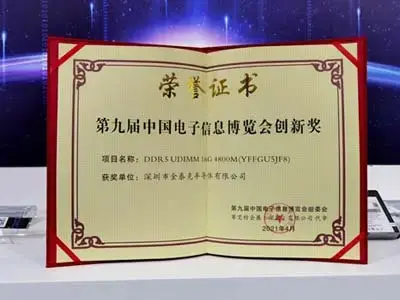 Kimtigo Shines At CITE 2021March 22, 2023The three-day Ninth China Electronic Information Expo (CITE 2021) successfully concluded on April 11, 2021 at the Shenzhen Convention and Exhibition Center. With the theme of "innovation-driven h...view
 How Do I Choose the Right 2.5 SSD for My Laptop Upgrade?September 15, 2023Upgrading your laptop with a 2.5 SSD is one of the best ways to breathe new life into your device. The improved speed and responsiveness can significantly enhance your computing experience. However, c...view
 Revolutionizing Data Transfer: How Gen3x4 SSDs are Taking the Industry by StormAugust 15, 2023In the fast-paced realm of technology, data transfer speed has become a defining factor in user experience. Enter Gen3x4 SSDs, the third generation of Solid State Drives equipped with PCIe Gen3 x4 int...view
 Why Choose A 2280 Solid State Drive For Your PC Upgrade?March 15, 2024When it comes to upgrading your computer, one of the most significant performance enhancements you can make is swapping out your traditional Hard Disk Drive (HDD) for a Solid State Drive (SSD). Among ...view